A DTF printer rewards routine and punishes neglect. White ink settles, nozzles dry, and small habits prevent expensive clogs. Follow this simple daily / weekly / monthly schedule and your printer stays healthy for years.
Why maintenance matters
The #1 cause of DTF downtime is white ink. Its pigment is heavy and settles fast, and dry nozzles clog. Almost every “my printer broke” problem is really a missed maintenance step. A few minutes a day is far cheaper than a print-head replacement.
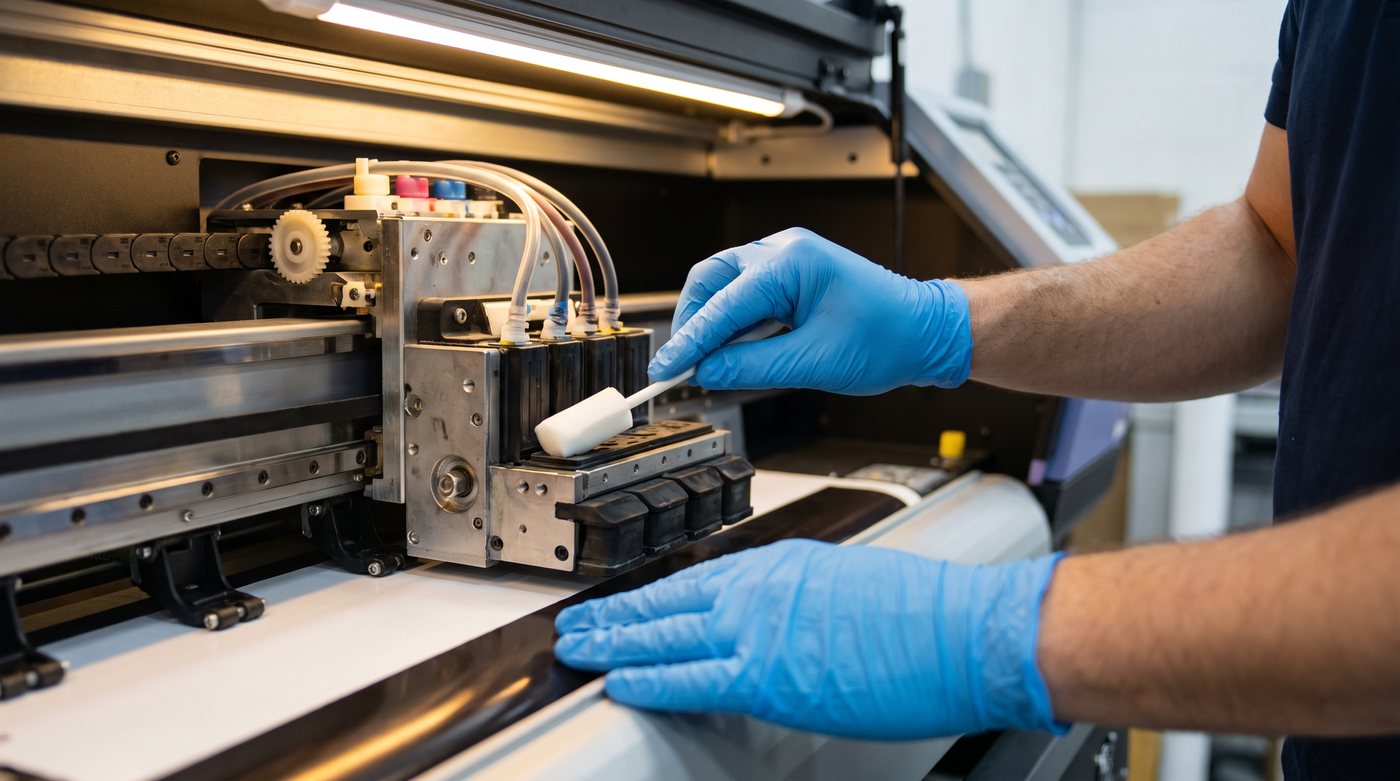
Daily (every print day)
- Agitate/shake white ink before you start — our DTF Starr printers circulate automatically, but check it’s running.
- Run a nozzle check and clear any missing lines before the first job.
- Print something — even a small maintenance swatch keeps every channel flowing.
- Cap the head when idle so nozzles don’t dry out.
- Wipe stray ink off the capping station and wiper.
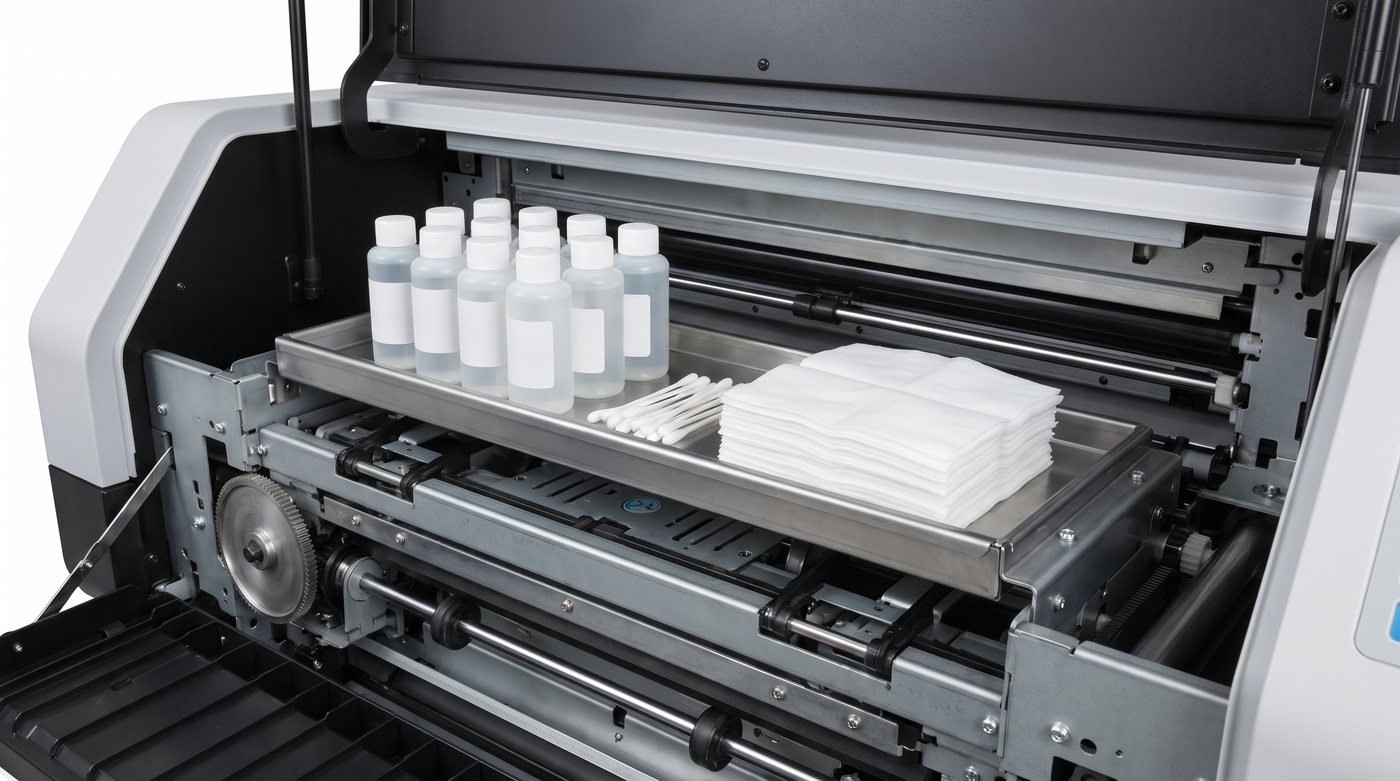
Weekly
- Clean the capping station and wiper blade with the recommended cleaning solution — buildup here causes banding.
- Check moisture levels in the shop (aim for 45–55% humidity; dry air dries nozzles).
- Inspect tubes and dampers for air bubbles or sediment.
- Full nozzle check + a color/white swatch to confirm density is holding.
Monthly
- Deep-clean the capping/wiper assembly.
- Check white ink age and stir/replace as needed — see ink & powder shelf life.
- Inspect the encoder strip and rails; wipe rails and re-lubricate per your manual.
- Update your RIP/firmware if a stable release is available.
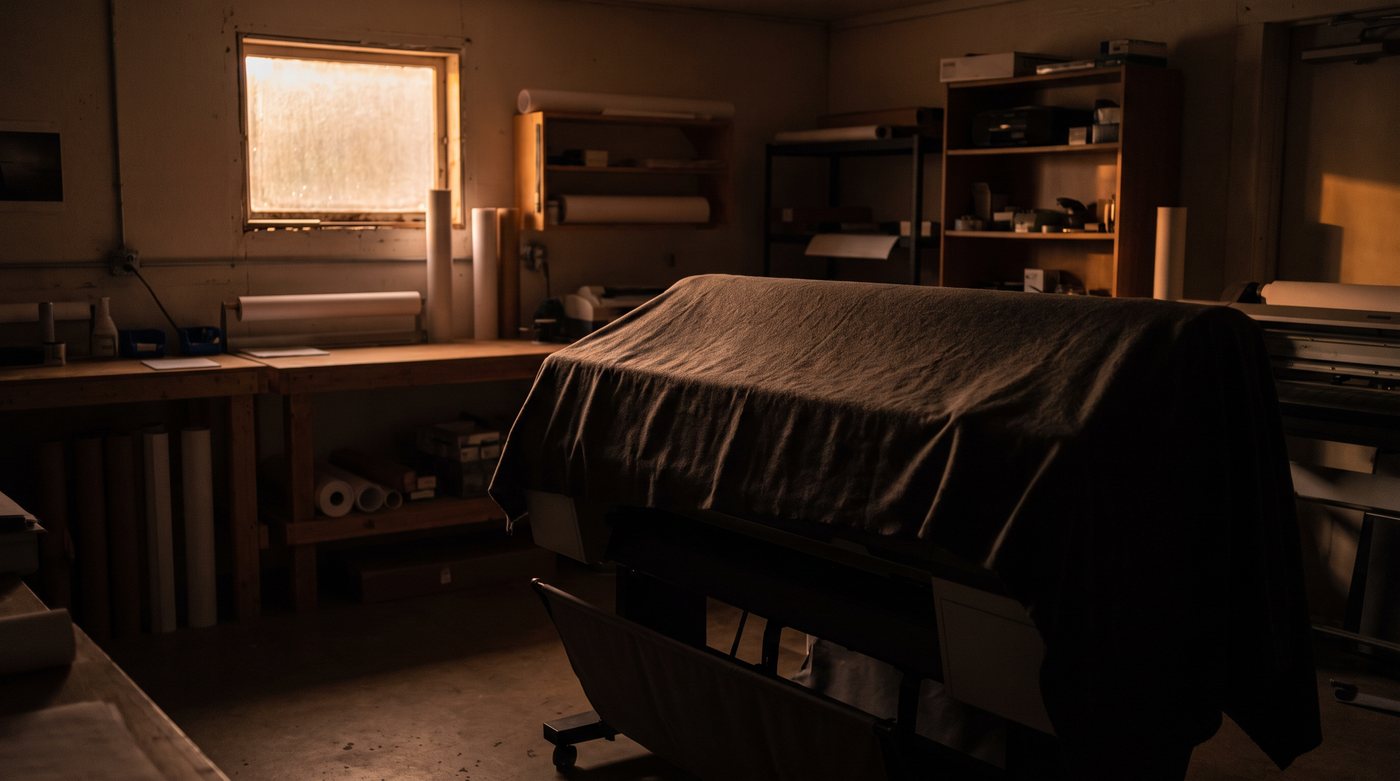
Before a break (weekend / vacation)
- Run a nozzle check and light cleaning before you leave.
- Make sure the head is capped.
- For longer breaks, keep white circulating or run a maintenance print every couple of days — idle white ink is what clogs.
If you skipped maintenance
Missing nozzles or banding after time off usually clears with a head cleaning and a few nozzle checks. Persistent gaps mean a soak or fresh ink. Full steps are in our troubleshooting guide.
Keep spare cleaning solution, ink, and powder on hand so maintenance never waits, or contact us with printer questions — we support our customers.