Most DTF problems trace back to a handful of causes — and once you know them, they’re quick to fix. Here’s how to diagnose and solve the issues print shops hit most often.
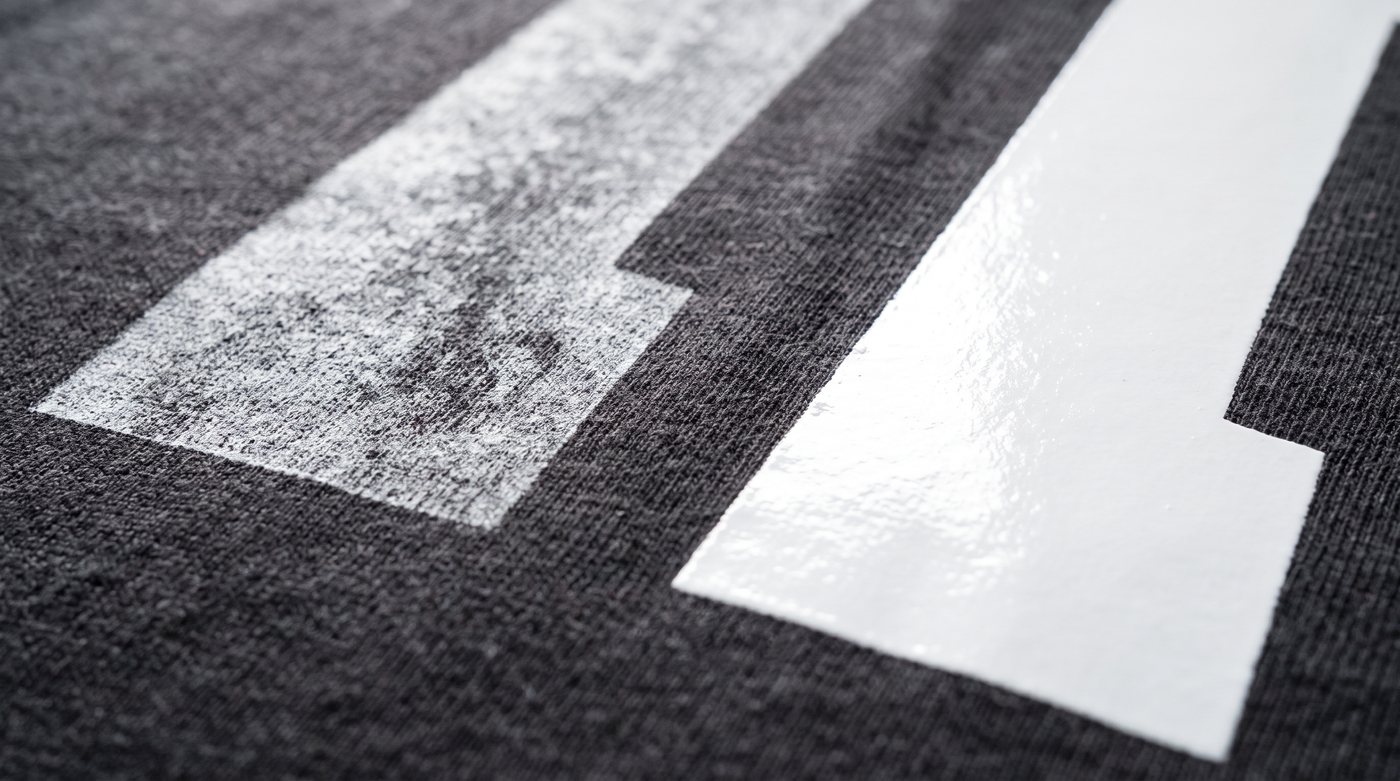
White ink prints grey or thin
Almost always settled white ink. The heavy pigment separates when it sits. Fix it by agitating the white channel (our DTF Starr printers circulate automatically), shaking sealed bottles before topping up, running a nozzle check, and printing a white swatch to confirm full opacity. Old white ink that stays grey after agitation should be replaced.
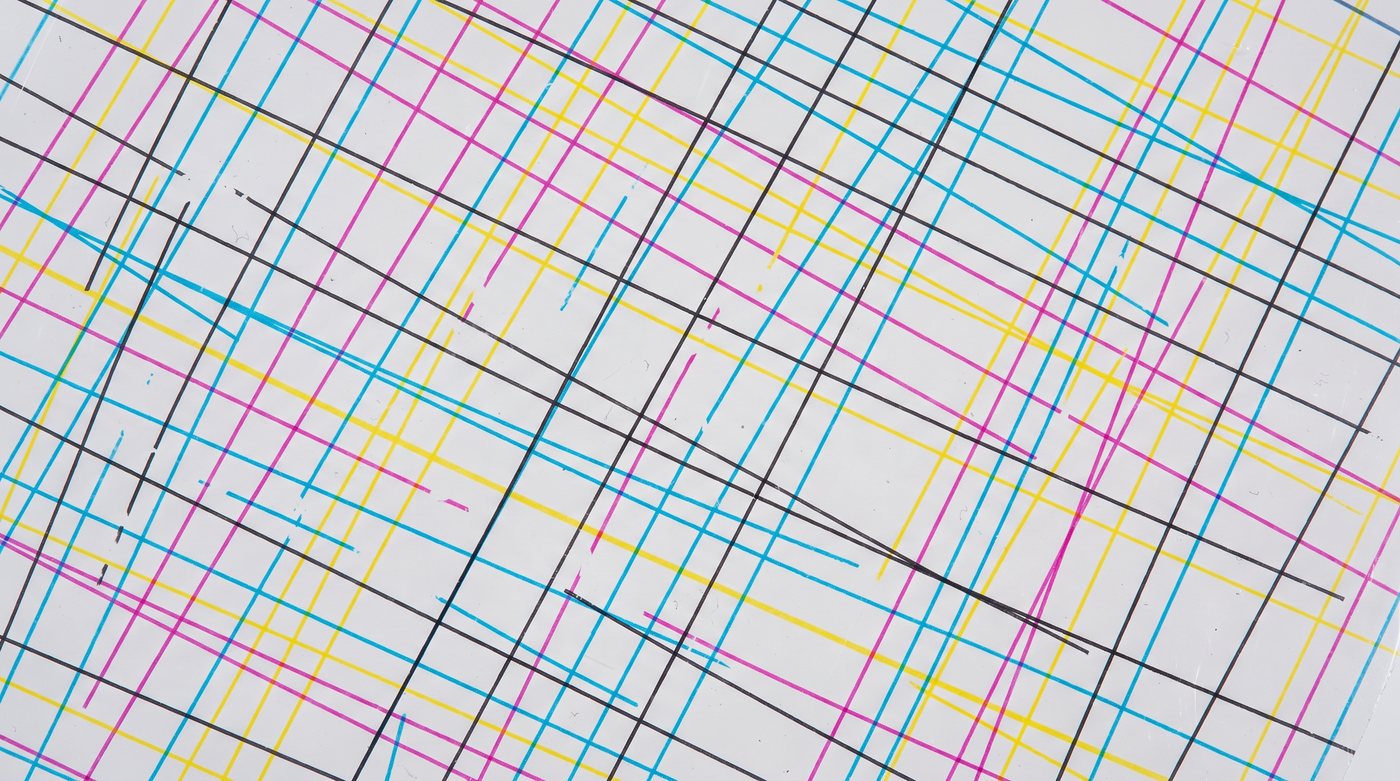
Clogged nozzles or banding
Caused by idle time, low humidity, or aging ink. Run a head-cleaning cycle and re-check nozzles; print regularly (even a small maintenance swatch) so channels never dry; keep the shop around 45–55% humidity; and cap/park the head when idle. Persistent clogs after cleaning usually mean it’s time for fresh ink.
Transfer peels right after pressing
A pressing problem: not enough temperature, time, or pressure — or peeling at the wrong moment. Verify your heat-press settings, use firm pressure, follow your film’s hot/cold-peel spec, and always add a post-press.
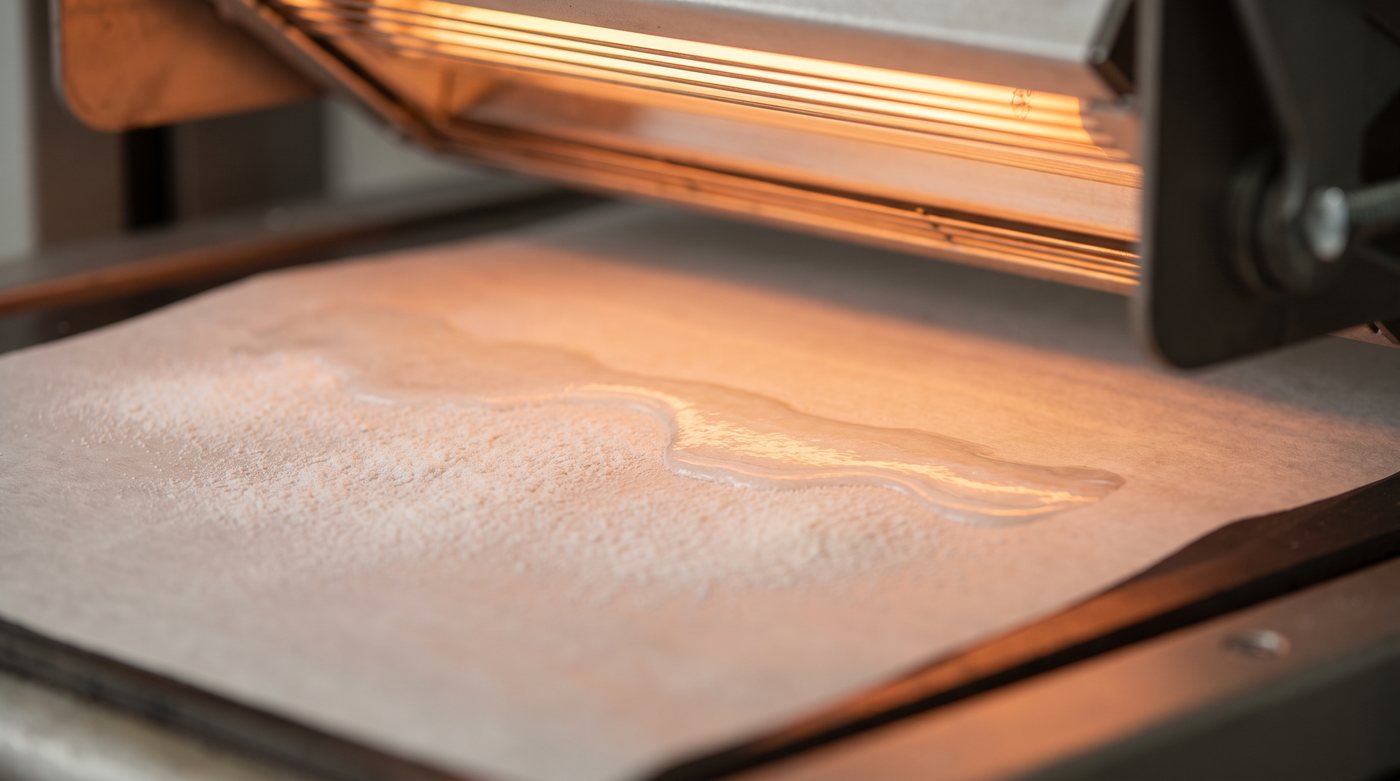
Print cracks or peels after washing
Usually under-cured powder or thin coverage. Make sure the powder fully melts and turns glossy during curing (typically ~160°C for the recommended time), apply an even, complete coat with no bare spots, and don’t skip the post-press. See DTF Powder & Curing.
Dull or washed-out colors
Check three things: your white underbase (colors on dark fabric need solid white behind them), your ink limits/profile in the RIP (too little ink prints flat), and ink age (expired ink shifts and dulls). Fresh ink plus a good profile brings colors back to life.
Powder clumps or feels gritty
Moisture damage. Powder that absorbs humidity clumps and spreads unevenly. Keep it in an airtight container, reseal immediately, and store it cool and dry. Apply an even coat and shake off all excess before curing.
White doesn’t line up with the color (misregistration)
Either film movement during printing or a RIP choke/spread setting that’s off. Make sure the film feeds smoothly and flat, and add a small white choke in your RIP so the underbase sits just inside the color edges.
Ink smears or won’t dry before powdering
Too much ink being laid down, or powdering too late. Lower ink volume slightly in the profile and powder while the print is still wet but not flooded.
Quick diagnostic
- Grey/thin white → agitate + nozzle check + fresh white ink
- Banding/clogs → head clean, print regularly, 45–55% humidity
- Peels at press → more heat/time/pressure + post-press
- Peels/cracks after wash → cure powder fully, even coverage
- Dull colors → white base, ink limits, fresh ink
- Clumpy powder → keep it dry and sealed
Still stuck? Contact us — we help our customers dial in their process. Need fresh ink, powder, or film? We ship fast.