You don’t need expensive tools to create great DTF designs — you need the right tool for the job and the know-how to export files correctly. Here’s a rundown of the best design software for DTF, from pro suites to free options.
What DTF design software needs to do
- Work with transparent backgrounds (PNG/alpha).
- Export at 300 DPI at final size.
- Handle vector or high-resolution raster art with clean edges.
Note: this is your design software. Your RIP software is separate — it builds the white underbase and drives the printer.
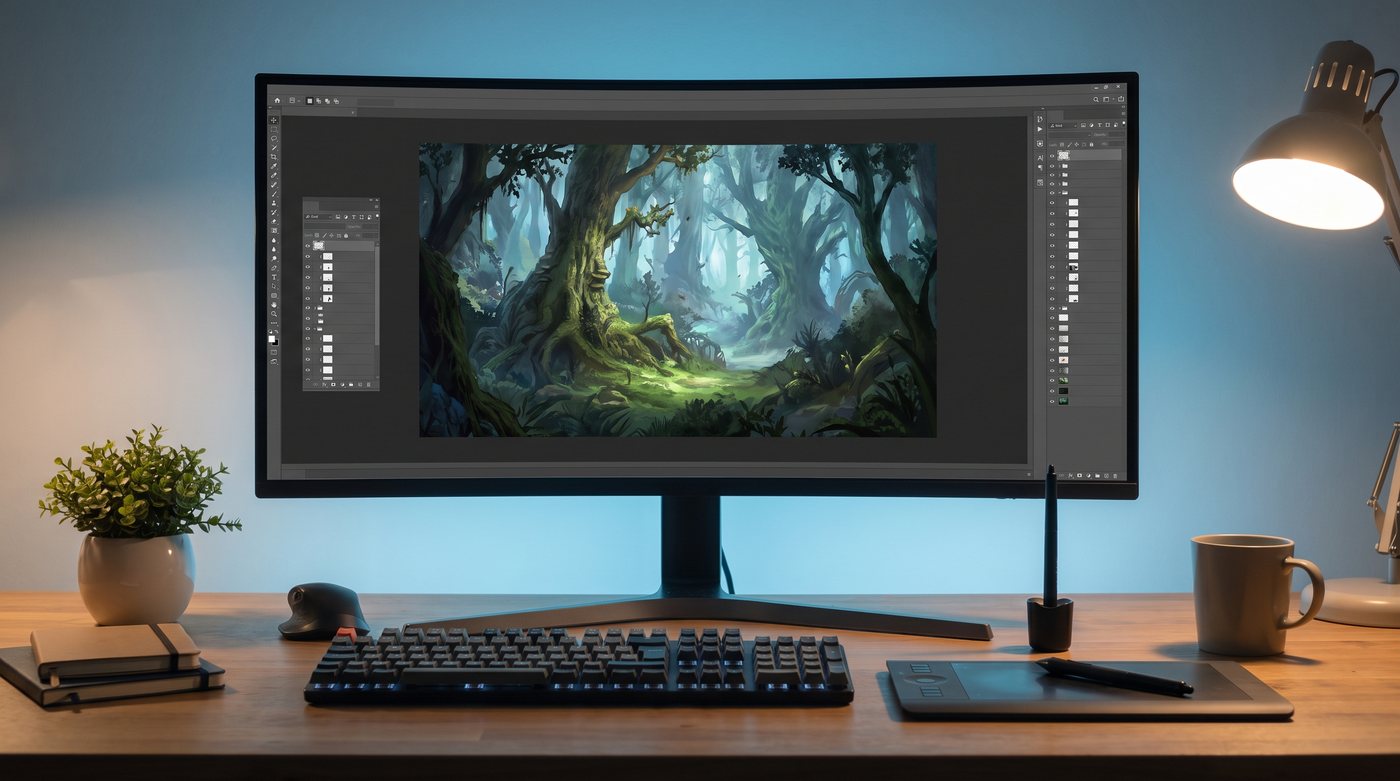
Professional (raster + photo art)
- Adobe Photoshop — the standard for photo-based and complex raster designs; excellent background removal and transparency control.
- Affinity Photo — a one-time-purchase alternative to Photoshop with similar power.
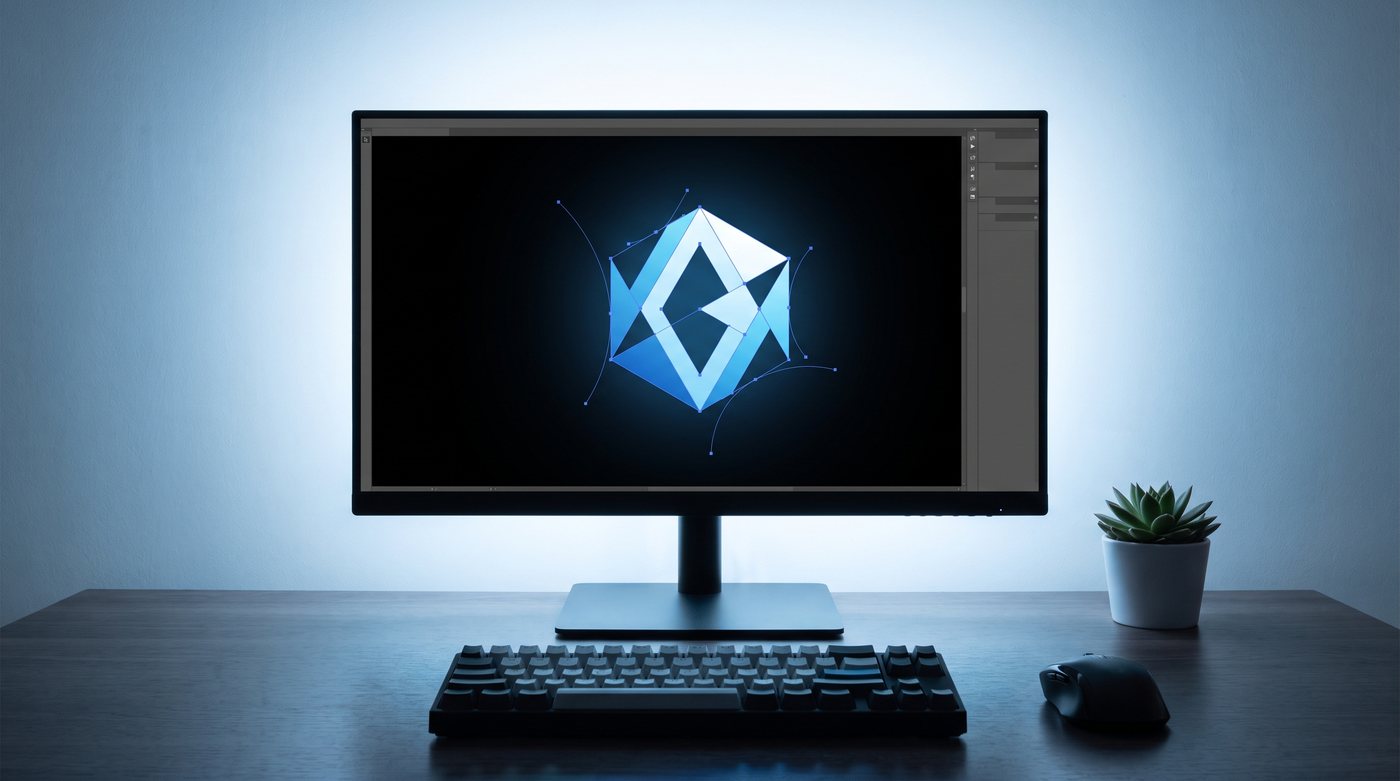
Professional (vector: logos & text)
- Adobe Illustrator — best for logos, lettering, and anything that must scale cleanly. Outline your fonts before export.
- CorelDRAW — long-time favorite in the apparel-decoration world.
- Affinity Designer / Inkscape — strong vector tools (Inkscape is free).

Beginner-friendly & free
- Canva — easy for text and simple graphics; use Pro to export transparent PNGs and mind the resolution.
- GIMP — free, Photoshop-like raster editor with full transparency support.
- Inkscape — free vector editor, great for logos and cut-clean shapes.
- Photopea — free, browser-based, opens PSD files.
Exporting correctly (the part that matters most)
- Set your canvas to the final print size at 300 DPI.
- Delete/hide the background so it’s transparent.
- Outline fonts (vector) and flatten only the visible artwork.
- Export as PNG-24 with transparency (or vector PDF/EPS).
- Zoom in and check edges before sending.
Full file-prep details are in our designing artwork for DTF guide.
Where to get designs
Create your own, commission an artist, or use properly licensed art — always respect copyright and licensing on anything you didn’t make. When in doubt, use original or licensed artwork.
Got your file ready? Order gang sheets, review placement & sizing, or contact us for help.