Ordering custom DTF transfers is simple — send us print-ready art, choose your sizes and quantities, and we’ll print, powder, and cure them ready to press. Here’s exactly how to order and what we need from you.
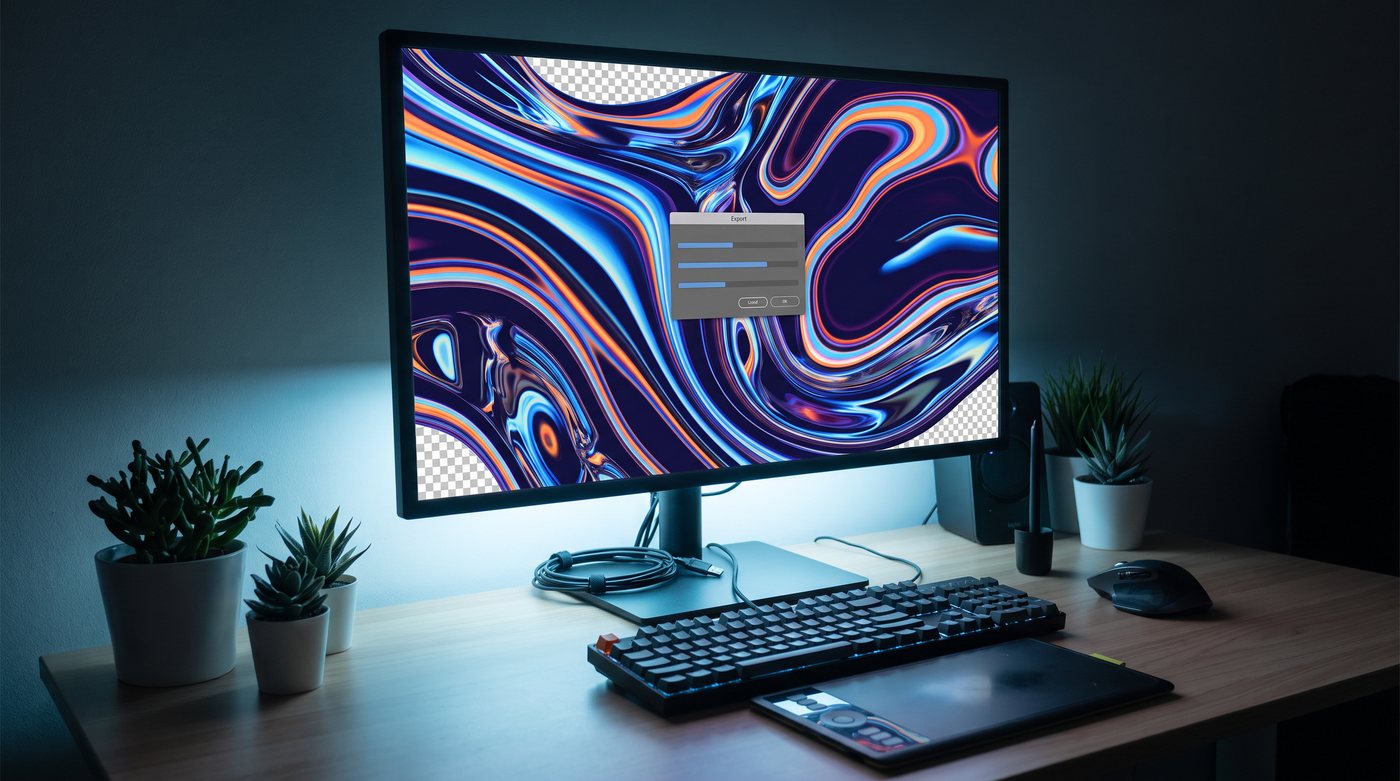
Step 1: Prepare your artwork
Send a 300-DPI PNG with a transparent background, or vector art (AI/EPS/PDF), sized to the final print dimensions. Clean edges, no stray pixels, fonts outlined. Full details in designing artwork for DTF — and if you’re unsure, send it anyway and we’ll check it.
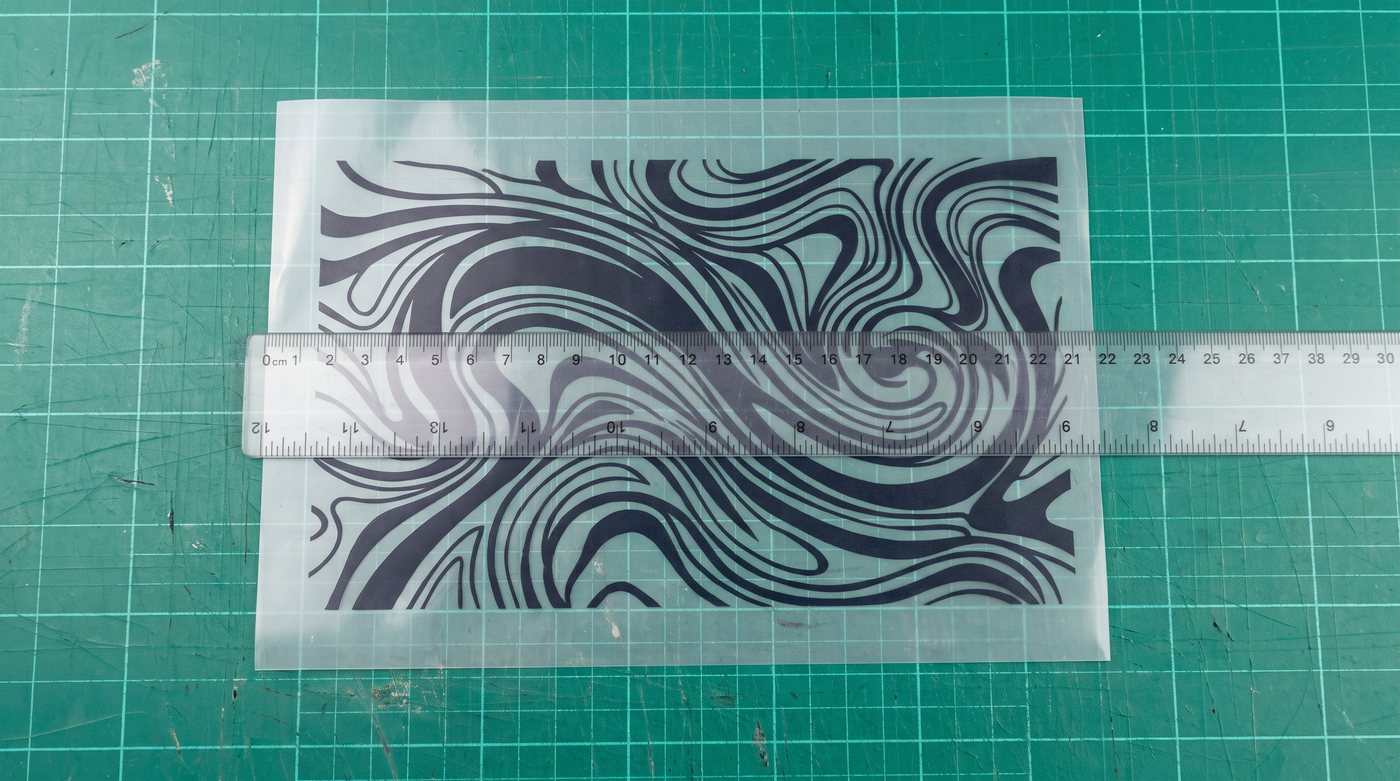
Step 2: Choose size & quantity
- Individual transfers — pick the print size (pocket, youth, full front, etc.). See placement & sizing.
- Gang sheets — pack many designs onto one sheet for the lowest cost per print. See gang sheets.
- Bulk — ask about volume pricing for repeat and wholesale orders.
Step 3: Place your order
Order right from our shop, or contact us with your files, sizes, and quantities and we’ll send a quote. Tell us your deadline up front so we can confirm turnaround.
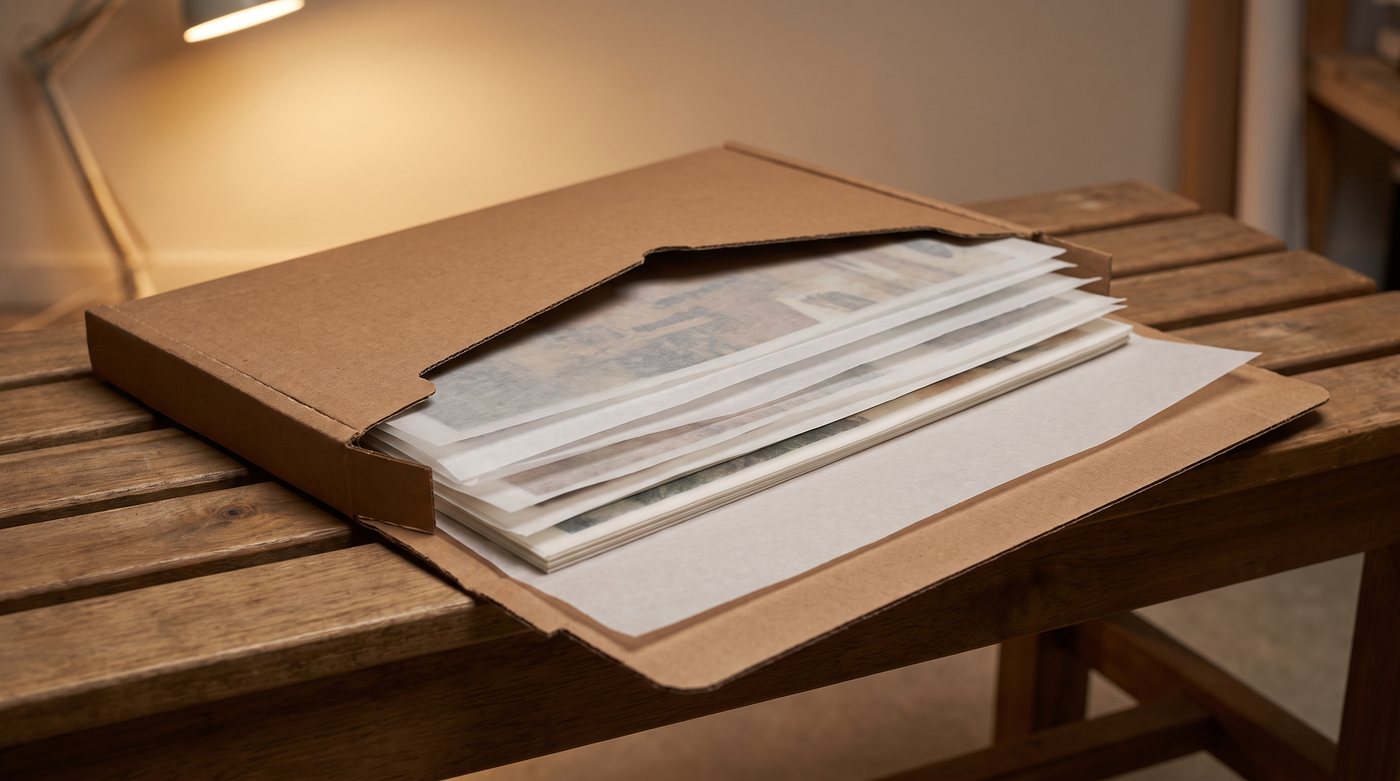
What you’ll receive
Ready-to-press DTF transfers — printed, powdered, and cured. Just position and press with a heat press; no printer required. New to pressing? Follow our application guide.
File requirements at a glance
- PNG (transparent) at 300 DPI, or vector art
- Sized to the final print width
- Clean edges, fonts outlined
- Original or properly licensed artwork only
Tips for a smooth order
- Double-check sizing before you submit — measure against a garment.
- Order a sample first for large or brand-critical runs.
- Send the highest-quality file you have — we can’t add detail that isn’t there.
- Ask us if you’re unsure about fabric or placement — that’s what we’re here for.
After they arrive
Press them per our heat-press settings, then share wash & care with your customers so they last. Store extras flat, cool, and dry.
Ready to order? Visit the shop, build a gang sheet, or contact us and we’ll take care of the rest.